
A web trading platform that carries your brand.
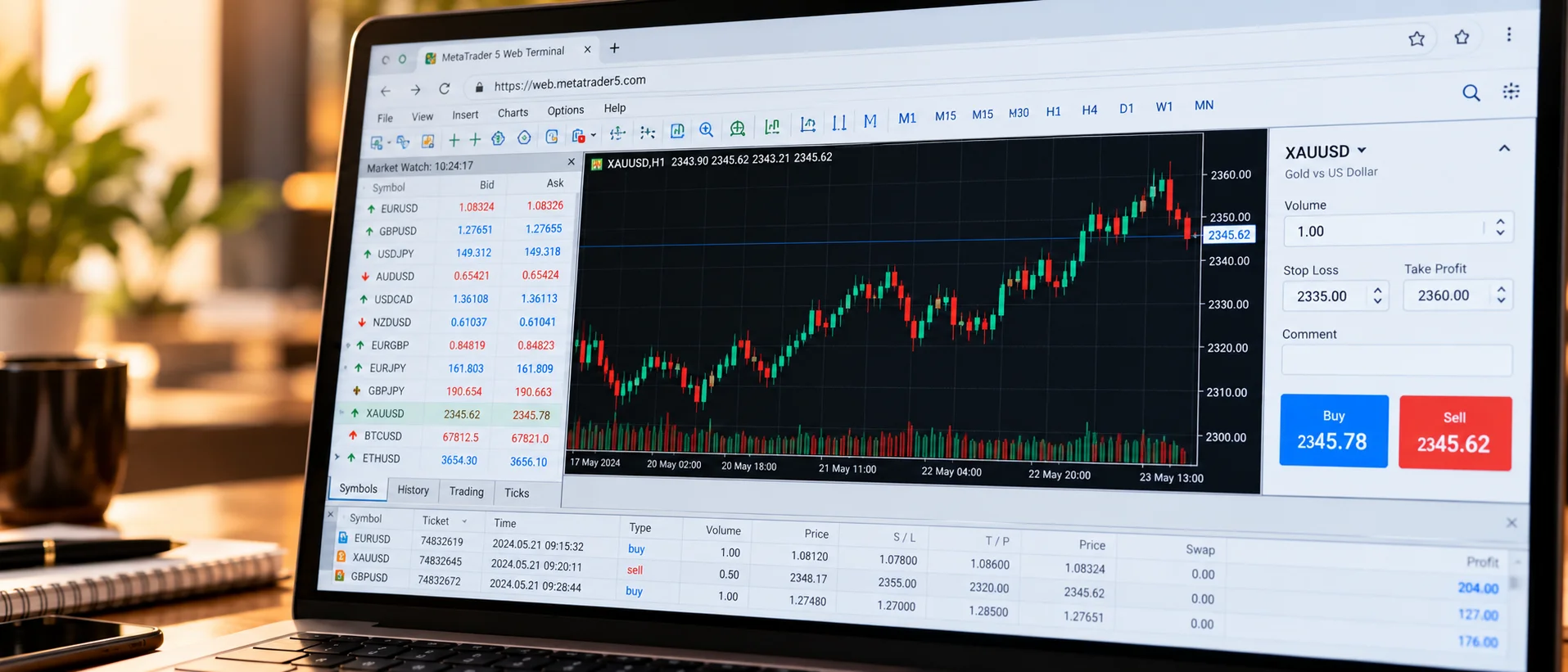
A web trader lets clients open the platform in a browser, with no download. For a new brokerage it lowers the barrier to a first trade, so it is worth checking how it behaves on the devices your clients actually use.

What to look for
Charting depth, order types, reliable price streaming and clear account views matter more than feature counts. Test it on a phone, a tablet and a laptop before you rely on it for a launch.
Branding and domain
Ask what you can brand: the logo, the colours, the domain and the login page. A web terminal that looks like a different company undermines the client journey you built around it.
Security and sessions
Look for encrypted connections, sensible session handling and support for second-factor sign-in where your setup allows it. Agree who is responsible for responding if a client reports suspicious access.
Where a web terminal fits in your offer
Many brokers offer a desktop terminal, a web terminal and a mobile app, and let clients choose. The web version is often the first thing a prospect tries, so it deserves the same care as the others. Link it from your website, your client portal and your onboarding emails.
Questions we hear
Does a web trader replace the desktop terminal?
Not necessarily. Many clients use both. Offer what your audience prefers and keep the experience consistent.
Can the web platform connect to my CRM?
Often yes, through the platform and CRM integration. Confirm the specific connection for your setup.